
“My dishwasher won’t start” troubleshooting guide with Hometown Appliance Repair
You loaded the dishes, added detergent, pressed Start—and nothing happened. If you’re thinking, “My dishwasher won’t start,” take a closer look at what the machine does when you press the button. A completely dark control panel points to different possibilities than a dishwasher that lights up, beeps, or starts to drain but never begins washing.
Some causes are simple enough to check in a few minutes. Others involve a faulty latch, water supply component, or electrical control that needs professional testing. Here’s how to narrow down the problem safely and know when to call Hometown Appliance Repair for help.
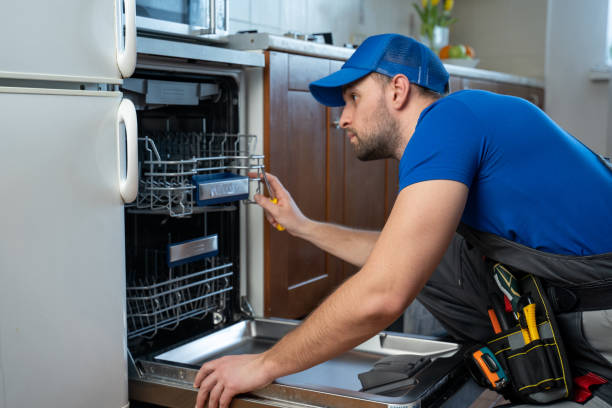
First, What Does “My Dishwasher Won’t Start” Look Like?
Before troubleshooting, note which description fits your dishwasher:
- No lights or sounds: The dishwasher may have lost power, although a control lock can make some models appear unresponsive.
- Lights turn on, but no cycle begins: Check the door latch, selected settings, and Start procedure.
- The dishwasher beeps or flashes: It may be alerting you to an open door, interrupted cycle, or error.
- The dishwasher starts but never fills: The water supply or a related component may be the issue.
- The dishwasher drains, then stops: Some models drain briefly at the beginning of a cycle, but a persistent failure to continue needs further investigation.
Write down any error code and what happened immediately before the problem began. Those details can save time if you need a repair appointment.
1. Check the Door and Latch
A dishwasher generally will not run unless it detects that the door is securely closed. A large pan, utensil, or rack that has not slid all the way in can prevent the door from latching. Check for an obstruction, push the racks fully into place, and close the door firmly without slamming it.
Next, look for anything caught around the door opening. If the door seems misaligned, does not close normally, or repeatedly pops open, the latch or its switch may need repair. GE Appliances explains that the door latch must engage for the dishwasher to recognize that it is ready to run.
If the dishwasher only starts when you push or hold the door in a particular position, mention that symptom when you call and tell us “my dishwasher won’t start.” Do not tape the door shut or try to bypass a door switch. Hometown Appliance Repair’s dishwasher services include door latch problems and dishwashers that will not start.
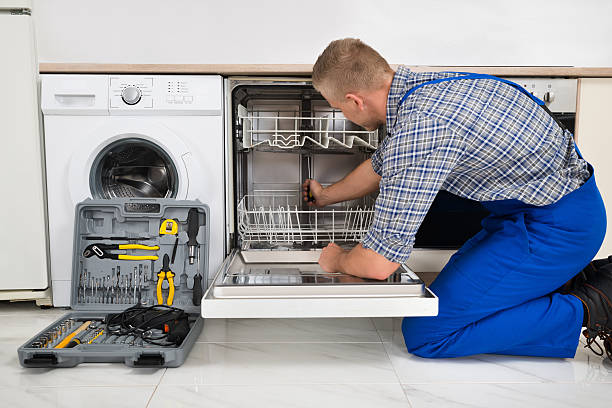
2. Make Sure Control Lock Is Off
Many dishwashers have a Control Lock or Child Lock setting that prevents buttons from responding. Look for a padlock icon, a lock indicator light, or a message on the display. The method for turning it off depends on the model, so follow the instructions in your owner’s manual.
A locked control panel can easily lead you to think, “My dishwasher won’t start,” even though the machine has power and no part has failed. Whirlpool notes that an active Control Lock may make the controls appear unresponsive.
Also check whether Delay Start is selected. If it is, the dishwasher may be waiting for its scheduled start time. Cancel the delay according to your manual, select the cycle you want, and try again.
3. Follow Your Model’s Start Sequence
If you’re still saying “my dishwasher won’t start,” remember that dishwashers do not all start the same way. Some require you to select a cycle, press Start, and then close the door within a short period. Others require the door to be closed before you press Start. After an interrupted cycle, you may need to press Start or Resume again.
If you recently opened the door to add a dish, do not assume that closing it will always restart the wash. Check your manual for the correct sequence and watch whether the Start light changes. Whirlpool’s dishwasher troubleshooting guidance covers door closure, Control Lock, and other settings that can prevent a cycle from beginning.
4. Look for a Power Problem
If the dishwasher has no lights or sounds, check whether other nearby kitchen appliances have power. Then inspect your home’s breaker panel for a tripped breaker. Some dishwasher installations also have a dedicated wall switch, and certain models plug into an outlet beneath the sink. Check only what you can see and reach safely; do not pull out the dishwasher or open an electrical panel on the appliance.
If a breaker trips again after it is reset, stop, call and tell us “my dishwasher won’t start,” and arrange for a qualified professional to investigate. Likewise, leave the dishwasher off if you notice a burning smell, sparks, or signs of water near electrical connections.
A dishwasher that has lights or makes sounds is receiving at least some power. That distinction helps narrow the problem, though it does not identify a failed part on its own. GE provides separate guidance for a dishwasher with no power and one that has lights or sounds but will not run.
5. Confirm That Water Is Available
If the controls respond and the cycle appears to begin, but the dishwasher does not fill, check whether water is working at the nearby sink. If you know where the dishwasher’s water supply valve is and can reach it without moving the appliance, check whether it has been turned off—especially if plumbing work was done recently.
Do not force a stuck valve or disconnect a water line to investigate. A lack of water may involve the supply, an inlet valve, or another part that requires testing. Bosch’s dishwasher troubleshooting guide lists water supply issues among the possible reasons a dishwasher may fail to begin operating normally.
Tell the repair technician whether you hear the dishwasher drain, whether it attempts to fill, and whether an error code appears. “It has power but won’t fill” is more useful than “my dishwasher won’t start.”
6. Read the Error Code or Flashing Light Pattern
If you are trying to troubleshoot “my dishwasher won’t start,” remember that a blinking Start button does not mean the same thing on every dishwasher. Depending on the model, it could signal an interrupted cycle, a door that is not fully latched, or a fault that needs service. Count the flashes or write down the code exactly as it appears, then compare it with your owner’s manual.
For example, GE’s guidance on blinking lights and beeping explains that opening the door during a cycle can produce an alert, while other patterns may call for further troubleshooting. Avoid assuming that an error code identifies a particular replacement part without checking the instructions for your exact model.
7. Consider a Reset if the Manual Recommends One
If you’re still saying “my dishwasher won’t start” after troubleshooting all previous common issues, it may be time to reset the unit. An electronic control may occasionally need to be reset after a power interruption or an unresponsive command. Start with the reset procedure in your dishwasher’s owner’s manual. On some models, that means canceling the current cycle; on others, the instructions may call for briefly disconnecting power at the breaker.
A reset may clear a temporary control problem, but it will not repair a broken latch, failed component, or recurring electrical fault. If the dishwasher works once and then fails again, note what happened and schedule a diagnosis. Whirlpool’s control reset guidance also recommends checking the door and Control Lock when a dishwasher appears unresponsive.
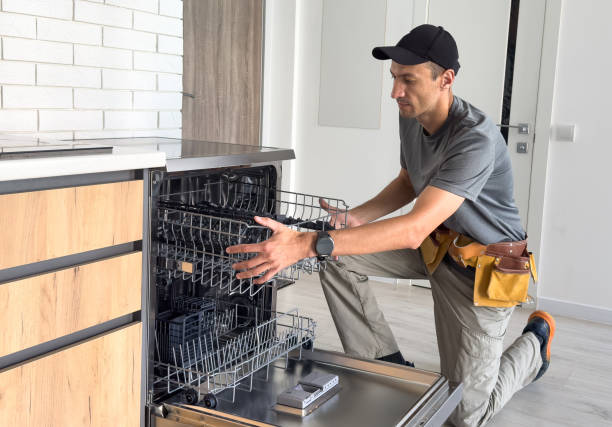
When Should You Stop Troubleshooting “My Dishwasher Won’t Start” and Call for Repair?
The checks above do not require you to take the dishwasher apart. Call a professional if the dishwasher still will not start after you confirm the settings, door closure, power, and accessible water supply. You should also seek service if:
- The door will not latch or stay closed.
- The breaker trips repeatedly.
- The controls respond, but the cycle never begins.
- The machine starts and stops at the same point each time.
- An error code returns after you follow the manual’s instructions.
- Water leaks, or you notice a burning smell or unusual electrical behavior.
“My dishwasher won’t start” can have several possible causes, including a door switch, control board, or water supply component. Replacing the first part that seems plausible can leave you with the same problem and an unnecessary expense. Proper testing helps identify what actually needs attention.
How Hometown Appliance Repair Can Help
When you say, “My dishwasher won’t start,” Hometown Appliance Repair can help you move from guessing to a clear diagnosis. Its dishwasher repair services cover no-start problems, door latches, control boards, filling issues, leaks, and other common faults. The company also works on many major appliance brands, including Whirlpool, GE, Samsung, LG, Frigidaire, KitchenAid, Maytag, and Bosch.
Hometown Appliance Repair emphasizes honest recommendations and explains when replacement may make more financial sense than a repair. Owner Terry Paige’s locally owned business serves customers across the area with a focus on dependable workmanship and clear communication.
Before you call and tell us “my dishwasher won’t start,” have your dishwasher’s brand and model number ready if you can find them without moving the appliance. Share any error code and explain whether the control panel is dark, the buttons light up, or the machine begins a cycle and then stops. Those small details help the technician prepare for your appointment.
A dishwasher full of dirty dishes is inconvenient, but you do not have to keep guessing at the cause of “my dishwasher won’t start.” Contact Hometown Appliance Repair or call 859-249-0933 to discuss the problem and request service.
Disclaimer: This “my dishwasher won’t start” guide covers only simple checks you can do safely. It is not a substitute for professional diagnosis or dishwasher repair. If the “my dishwasher won’t start” problem continues or you suspect a faulty part, leak, or electrical issue, stop using the dishwasher and contact Home Town Appliance Repair as soon as possible.